
How Do I Edit and Publish AI-Generated Content in Minutes?
Edit titles, slugs, meta data, and raw HTML content for every AI-generated page. Review as a draft, refine until ready, and publish with a single click. Page Builder gives you full editorial control over your content pipeline — from generation to production-ready deployment.
What Is Page Builder?
Page Builder is the editorial layer of Entify SEO. After the Content Ecosystem Generator creates your pages, Page Builder gives you direct editing control over every field that matters for SEO and publishing: page title, URL slug, meta title, meta description, and raw HTML content.
Every generated page starts as a draft. You review, refine, and edit each field until the content meets your standards. When ready, publish with a single click to push the page live. The entire workflow is designed to close the gap between AI content generation and production-ready deployment — giving your team a review checkpoint before anything goes live.
- Edit page title, slug, meta title, meta description, and HTML
- Save as draft or publish when ready — full workflow control
- Integrated with Content Ecosystem Generator and Blueprints
- Monospace HTML editor for complete content structure control
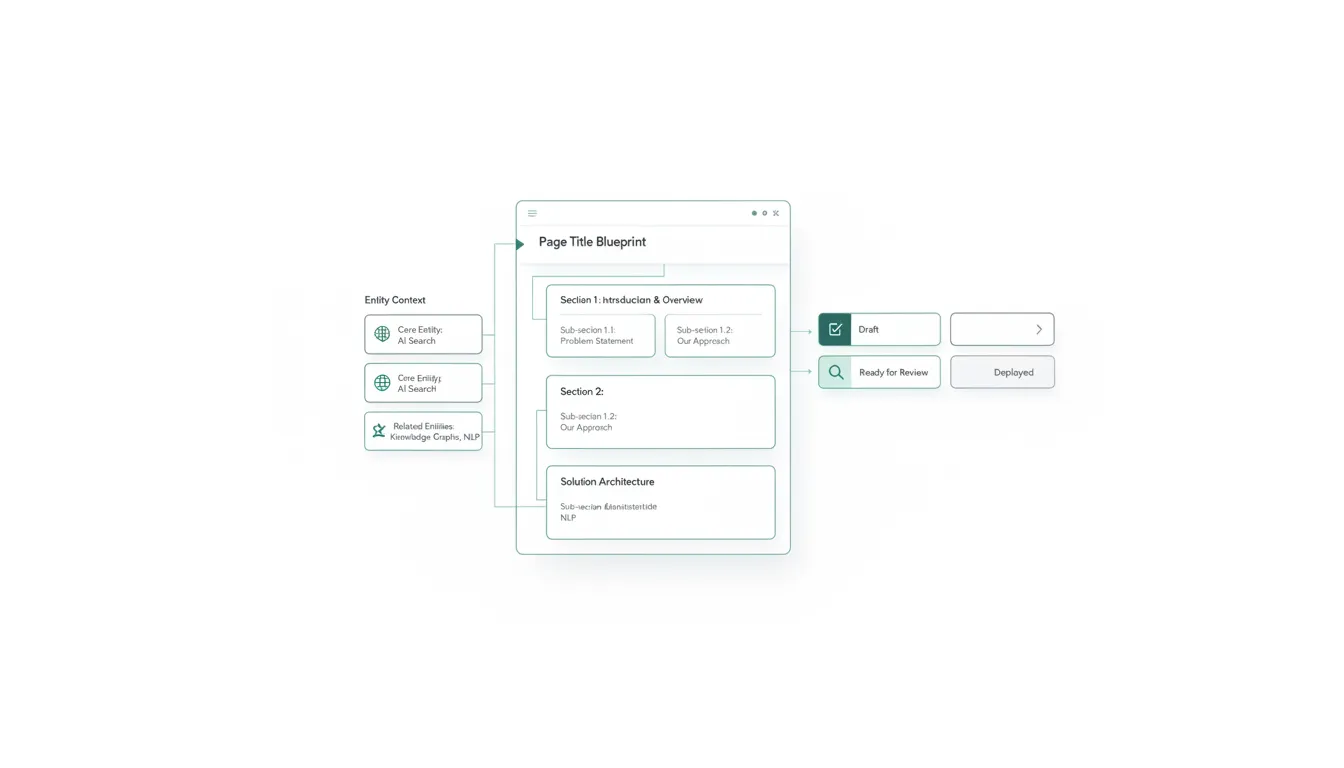
Five Fields. Complete Editorial Control.
Page Builder surfaces every field you need to refine AI-generated content for production. Edit each field independently, preview changes, and publish when the page meets your standards.
Page Title
Edit the display title of your page. This is the H1 heading visitors see and the primary signal search engines use to understand page topic and intent.
URL Slug
Customize the URL path for every page. Clean, keyword-rich slugs improve crawlability and give both users and search engines a clear signal of page content.
Meta Title
Set the meta title tag that appears in search engine results pages. Optimize for click-through rate with compelling, keyword-targeted titles under 60 characters.
Meta Description
Write the meta description snippet shown beneath your title in SERPs. A well-crafted description increases click-through rate and helps search engines understand page relevance.
Content HTML
Edit the full HTML body of every AI-generated page. The monospace textarea gives you direct access to headings, paragraphs, schema markup, answer blocks, and internal link structures. Adjust formatting, restructure sections, add custom elements, or fine-tune the generated output before publishing. Complete control over every tag, attribute, and content block.
<article itemscope itemtype="https://schema.org/Article">
  <h1 itemprop="headline">Your Page Title</h1>
  <div class="answer-block" data-question="...">
    <p itemprop="text">Editable content...</p>
  </div>
</article>Draft to Published. Your Review Checkpoint.
Every AI-generated page begins as a draft. Edit, review, and refine at your own pace. Publish only when the content meets your quality standards.
Editable & Private
- Edit all fields freely
- Not visible to public
- Save changes without publishing
- Review checkpoint for teams
Live & Indexed
- Page is publicly accessible
- Available for search engine indexing
- Can still be edited and updated
- Can be unpublished back to draft
Page Builder in the Content Pipeline
Page Builder is not a standalone tool. It sits at the center of a four-step content production pipeline that takes you from entity research to a fully linked, published content system.
Content Ecosystem Generator
Select an entity and generate a complete content ecosystem — hub, pillar, detail, comparison, how-to, FAQ, landing, and blog pages.
Blueprints Provide Structure
Blueprints define the content strategy — keyword clusters, internal linking plans, and publication calendars that guide the generation process.
Page Builder Refines & Publishes
Review AI-generated pages, edit titles, slugs, meta data, and HTML content. Save as draft or publish when the content is production-ready.
Internal Links Connect Pages
Published pages are connected through internal linking structures, reinforcing topical authority and enabling search engines to crawl your content architecture.
Every page in the list view can be filtered by entity. Click the Ecosystem button on any page to navigate back to the full ecosystem view for that entity — seeing all related pages, their publish status, and linking connections.
Frequently Asked Questions
Common questions about Page Builder.
Start Publishing Content
Generate AI content, edit titles, slugs, meta data, and HTML, then publish when ready. Page Builder gives you the editorial control to bridge the gap between AI generation and production-ready pages.
Entity score improved by 34 points